
BOTIM for Android
4.17.0 · Algento · Page updated
BOTIM is a free Android messenger from Algento for voice and video calls, group calls and chats, widely used for calling family abroad.
Rate BOTIM
Average 0.0 · ratings: 0
Thank you! Your rating is saved; you can change it. Could not save the rating. Please try again later. Too many ratings from your network today. Please try again tomorrow. The average appears after 5 ratings.
Screenshots
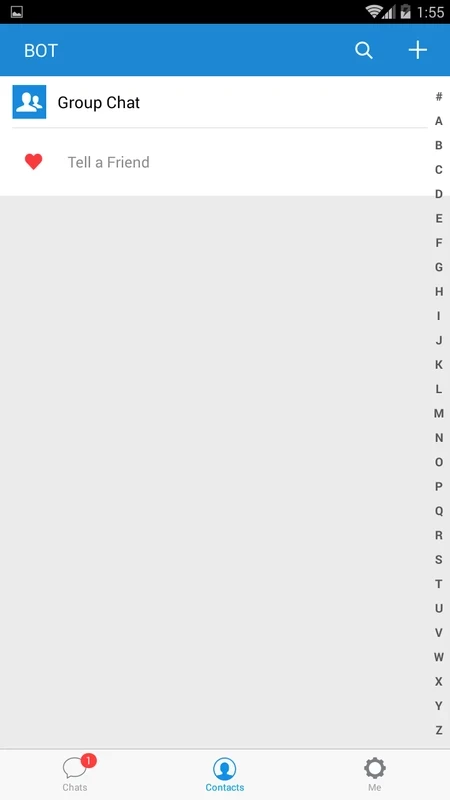
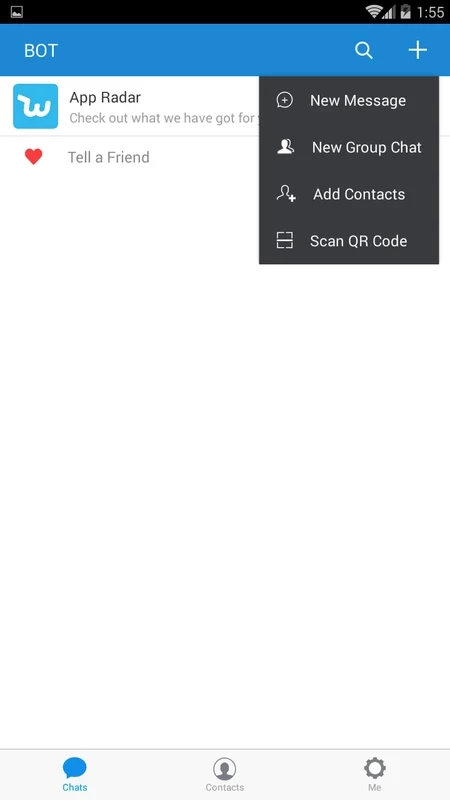
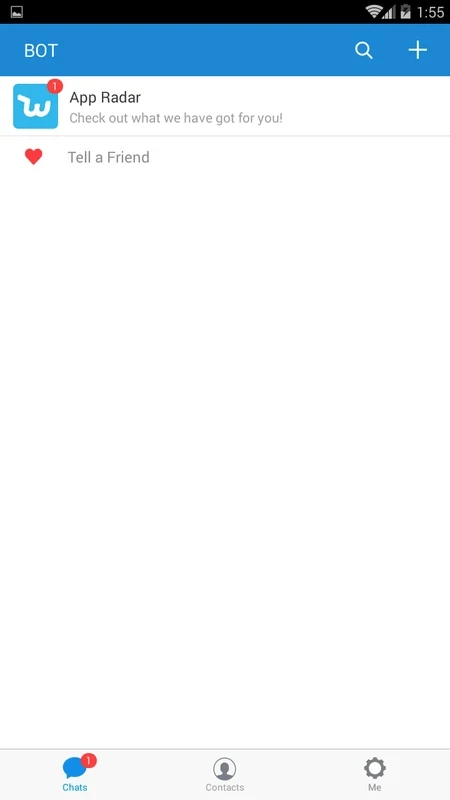

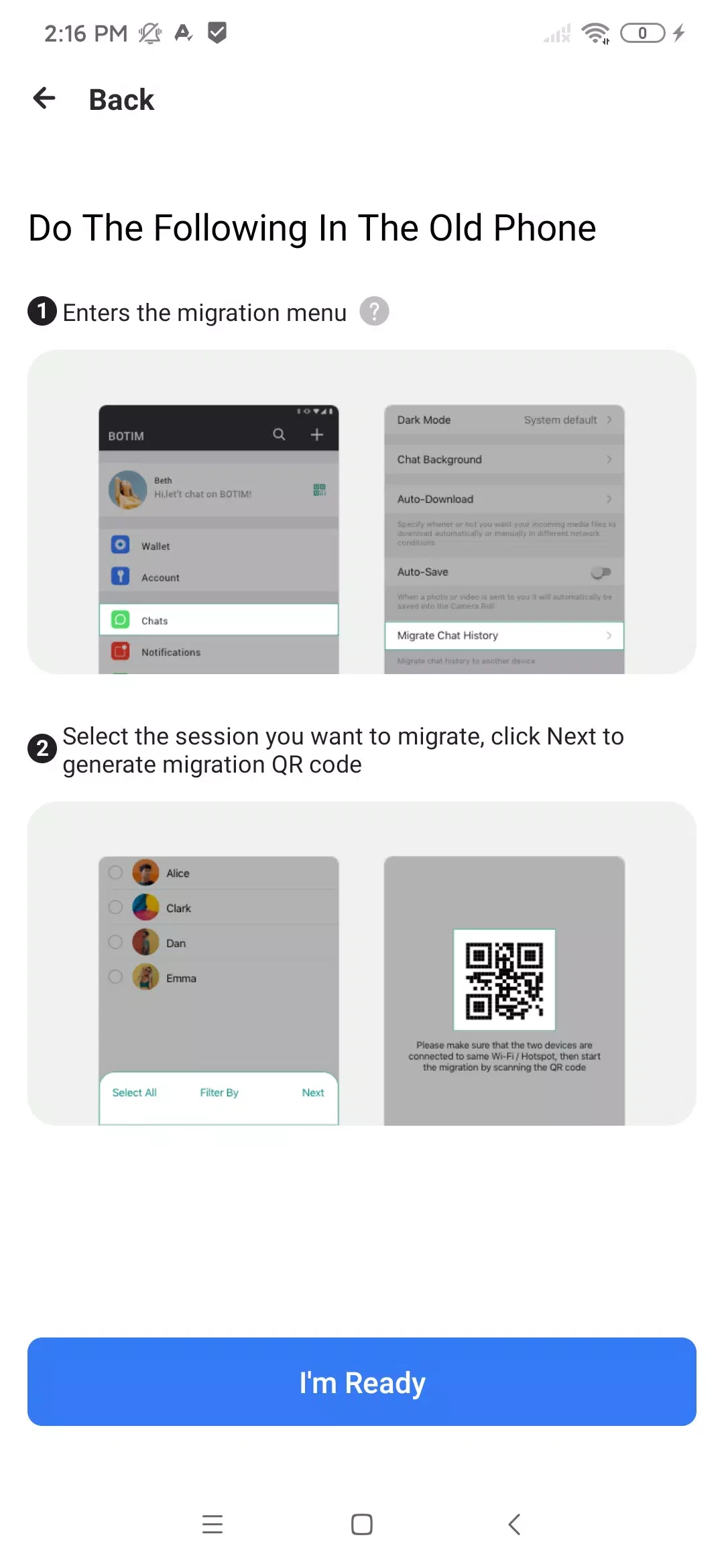
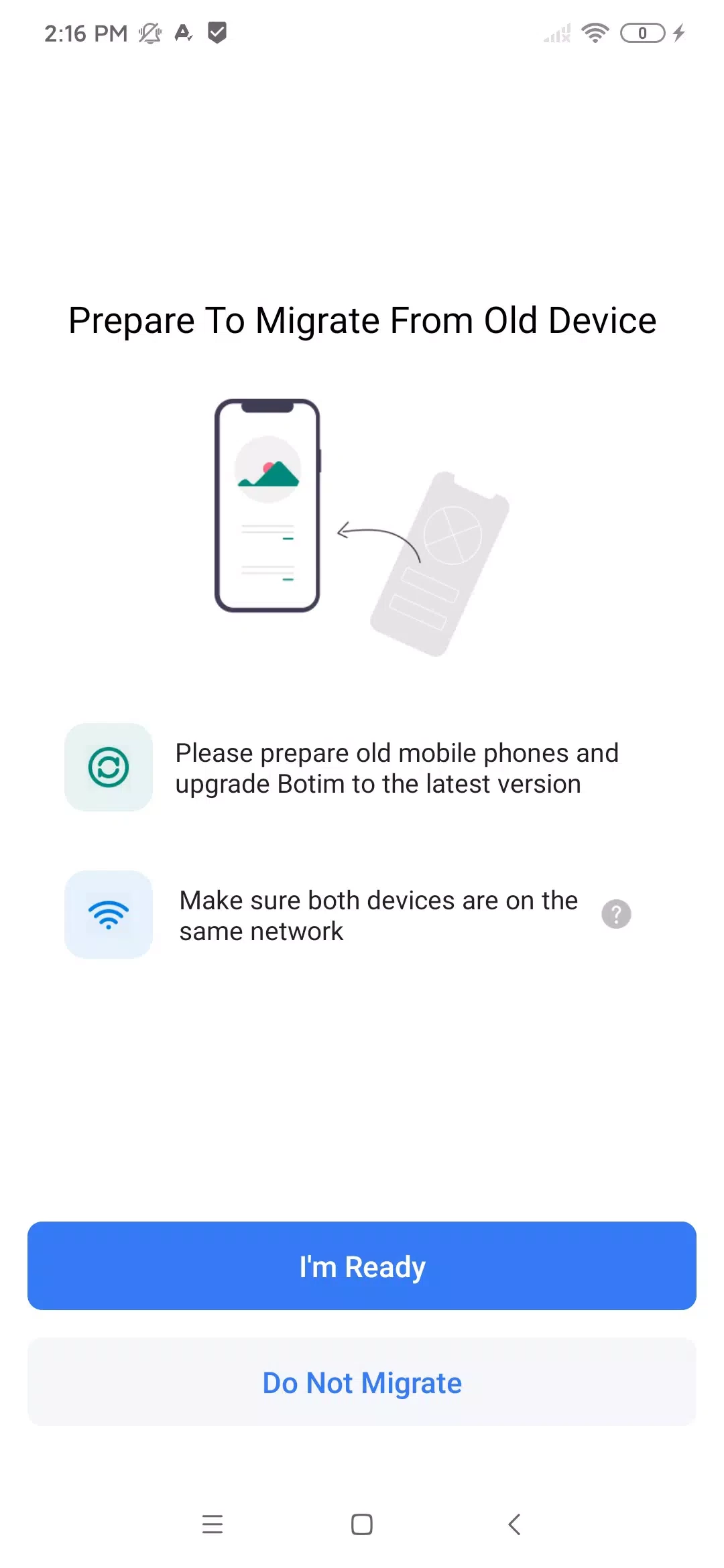
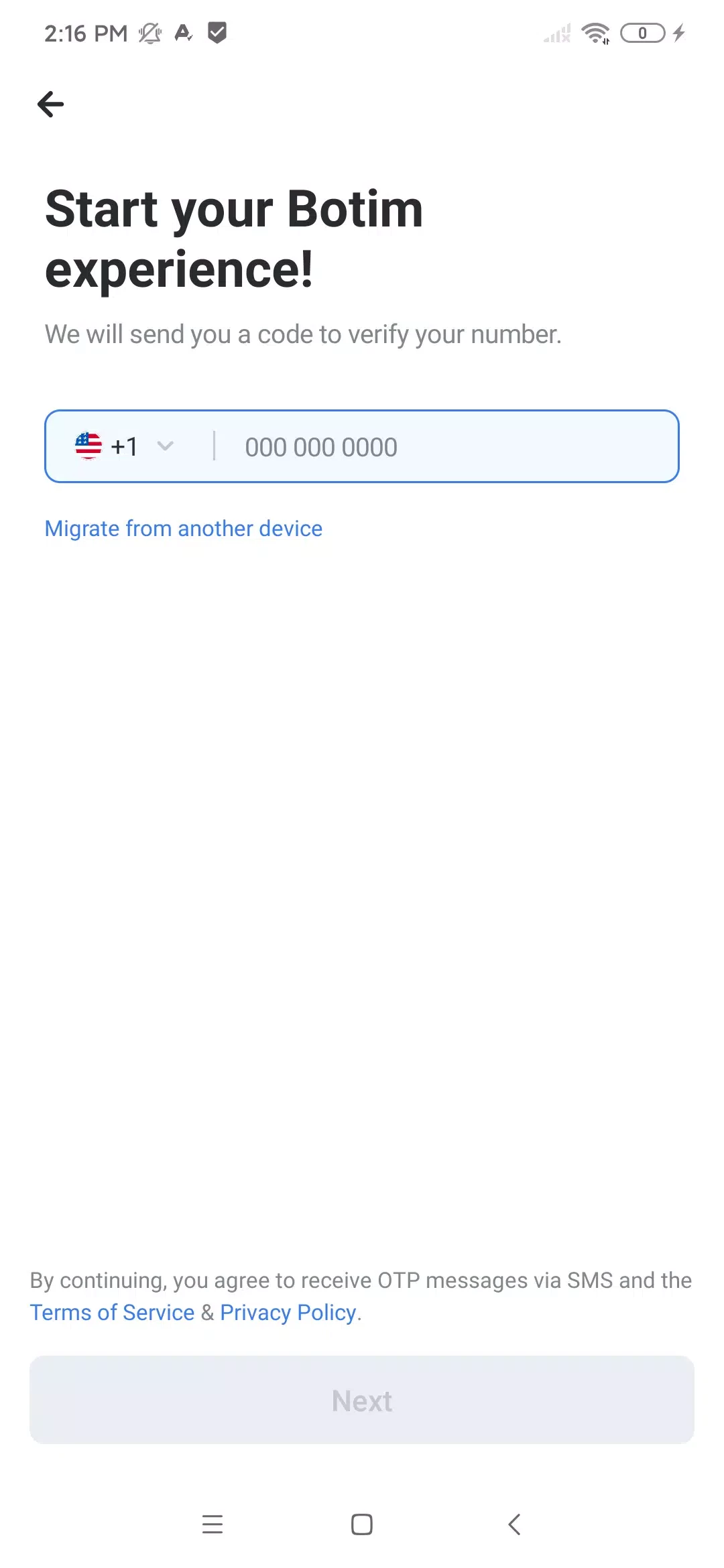
About BOTIM
BOTIM 4.17.0 is a free calling and messaging app for Android developed by Algento. People download BOTIM to make voice and video calls over the internet, often to relatives in other countries, and to chat with contacts who use the same app.
What is BOTIM?
BOTIM started as a voice and video calling app and grew into a broader platform. Its core is still calls: one-to-one and group video calls, voice calls and messages, all over Wi-Fi or mobile data rather than the phone network. It became especially well known in the Gulf region, where many expatriate workers use it to stay in touch with families back home. Over time the app gained chats, channels, and in some countries extra services such as payments and money transfers. The Android package is big, about 236.71 MB according to catalogue data, because it bundles these services together with the messenger. You register with your phone number, and contacts who already use BOTIM appear in the app automatically.
What can I do with it?
- Voice and video calls, including group calls.
- Text and voice messages, photos, videos and files.
- Group chats.
- Call quality that adapts to the speed of the connection.
- Additional regional services, depending on your country.
How do I install and set up BOTIM?
- Install BOTIM from Google Play and check that the developer name matches.
- Open the app and enter your phone number.
- Confirm it with the code sent by SMS.
- Allow access to contacts, the microphone and the camera.
- Choose a contact and start a chat or tap the call button.
What do I need?
An Android phone with a working internet connection, a microphone and, for video, a front camera. Plenty of free storage helps because of the size of the app and the media you receive.
Is BOTIM safe to use?
Use the version from Google Play or the developer's site, algento.com. Modified builds that promise extra features can steal your account or payment data. If you use the payment features, protect the app with a PIN or biometrics and never share the SMS code with anyone.
Any tips for better calls?
Use Wi-Fi when you can, because video calls consume a lot of mobile data. If the picture freezes, switch the call to voice only. Turn off automatic media downloads in settings to save storage, and clear old chats and files you no longer need from time to time.
Is it free?
Calls and chats in BOTIM are free; you pay only for your internet traffic. Some optional services inside the app may charge fees.
Pros and cons
- Pro: good call quality on average connections.
- Pro: group video calls.
- Pro: free calls to other BOTIM users.
- Con: very large app.
- Con: extra services clutter the interface.
- Con: both sides need BOTIM installed.
What else can I use?
Other messengers on our site include WhatsApp Messenger, Telegram, imo HD and IMO Lite, Zangi Messenger, Line and WeChat.